From the app
Open the Parent or Teacher app and tap “Sign in”. Your school issued you a username (usually your phone number or staff ID).
Sign in to your school's private site. Parents, teachers and headmasters all use the same sign-in — but each sees a different view.
Open the Parent or Teacher app and tap “Sign in”. Your school issued you a username (usually your phone number or staff ID).
Go to yourschool.students.oftimor.com and tap “Sign in”. The web view is mainly used by headmasters and office staff.
Email [email protected] — we’ll tell you which subdomain your school uses, and reset your password if needed.
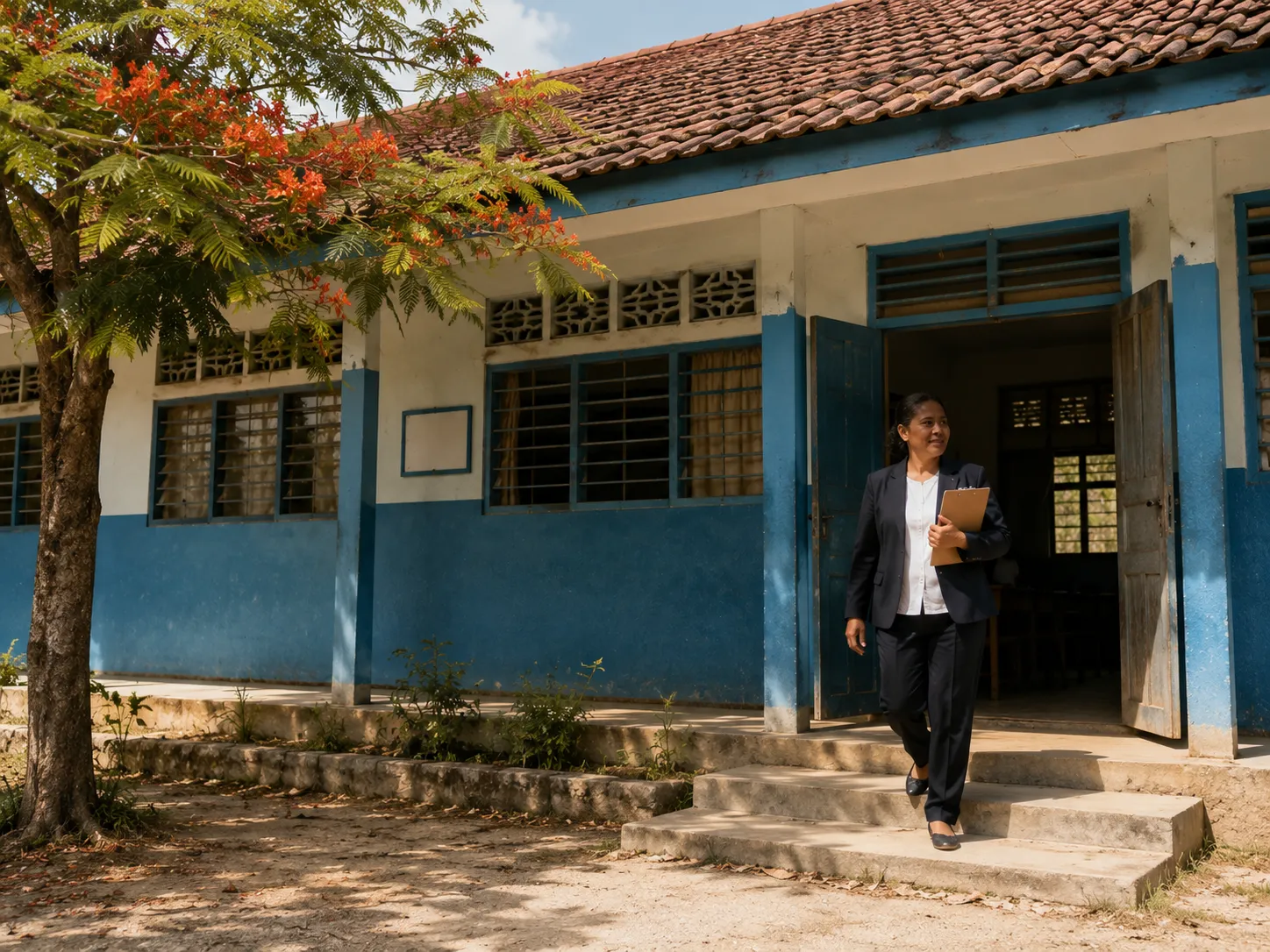
Full admin dashboard. Roster, fees, staff, audit log, exports.
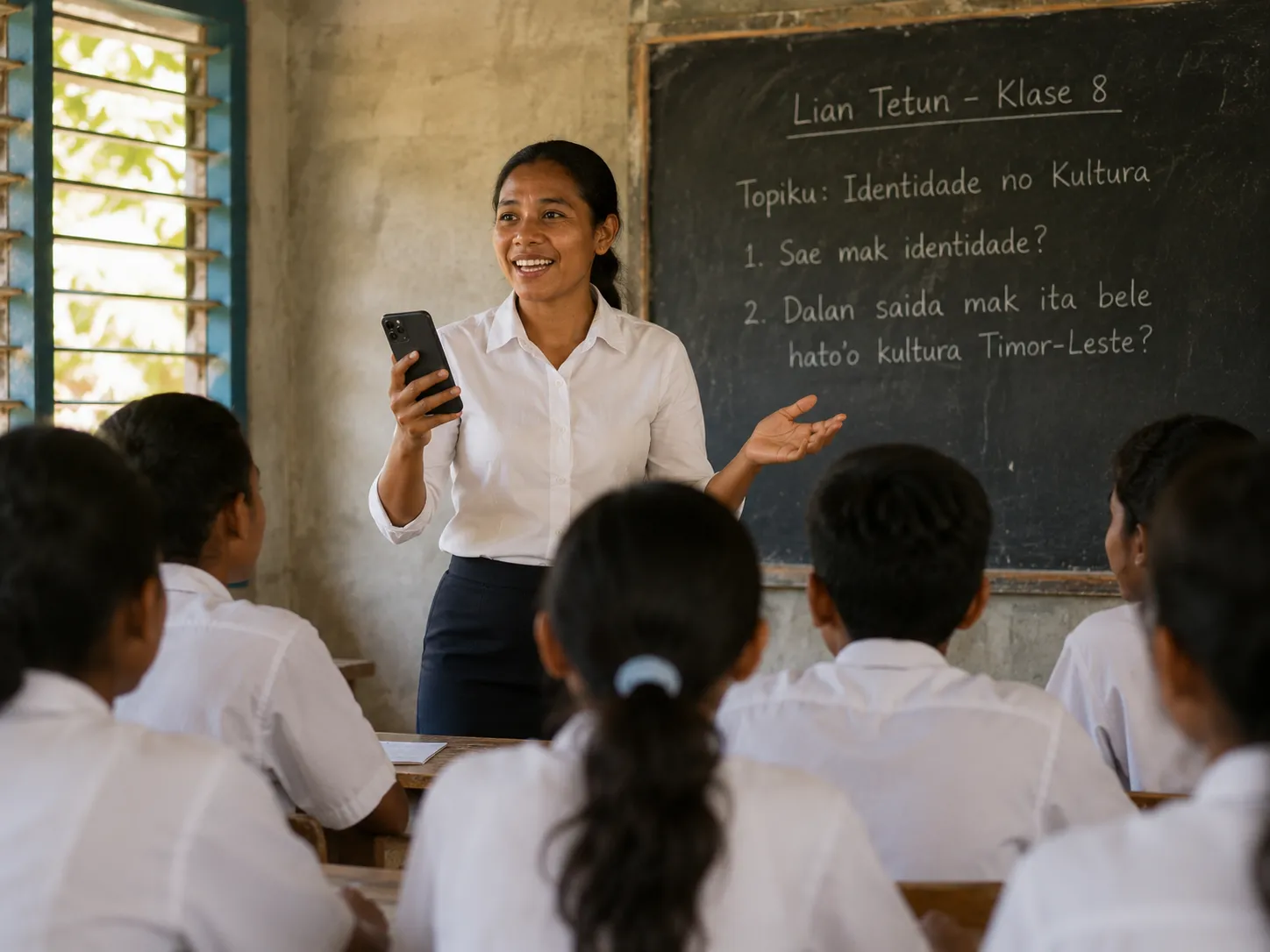
Today’s classes, attendance, grade entry, news posting, messaging.

Today, grades, news, bus ETA, lunch menu, permission slips, SOTcoin.

Timetable, homework, library, SOTcoin balance, messages from teachers.
Email [email protected] — a real person replies within one working day.