How do I sign in?
Open the Parent or Teacher app and tap Sign in. Your school issued you a username (usually your phone number or staff ID). Forgot your school’s subdomain? Email us.
Most questions have a short, plain-language answer. If yours doesn't, we'll reply within one working day.
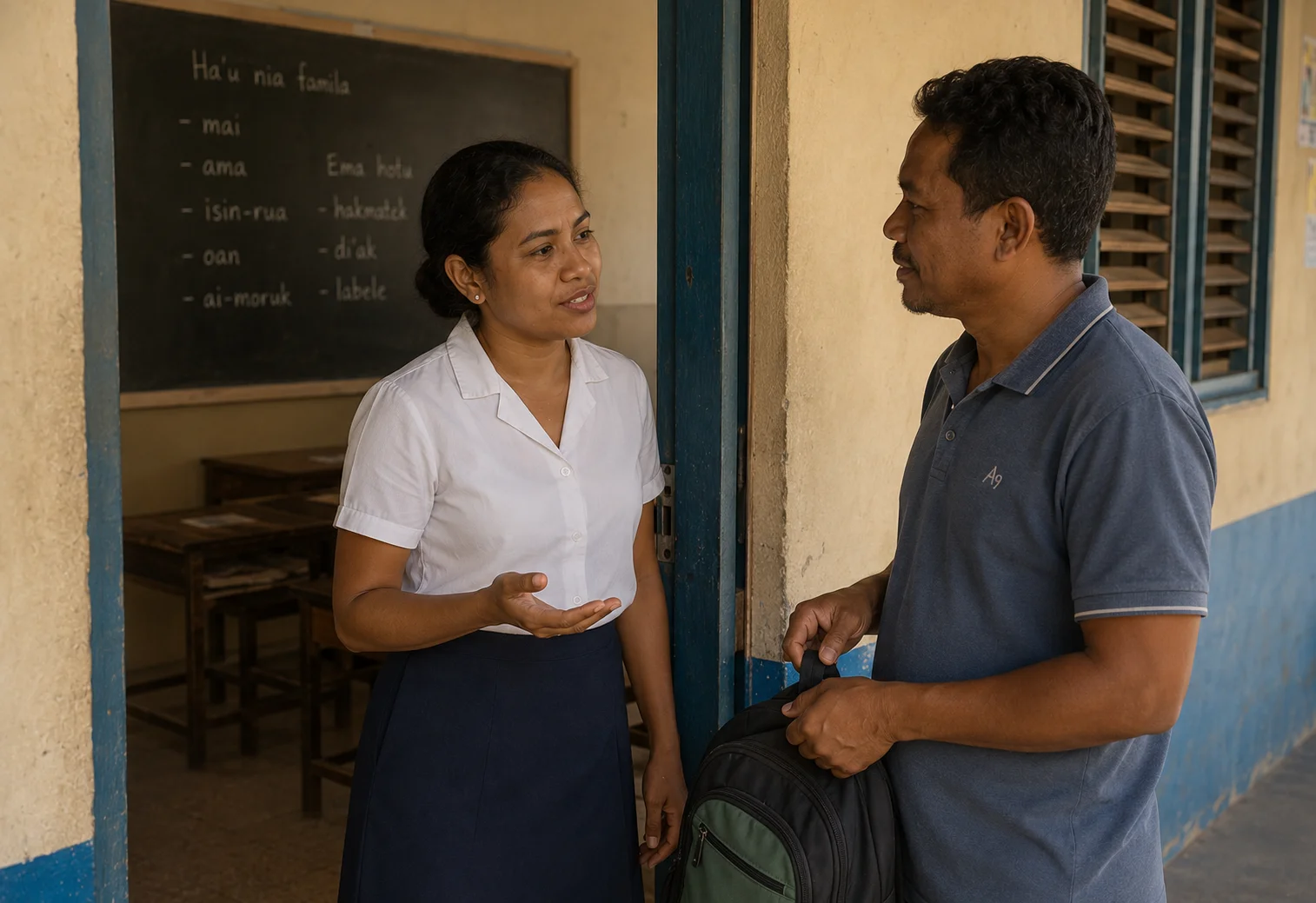
Open the Parent or Teacher app and tap Sign in. Your school issued you a username (usually your phone number or staff ID). Forgot your school’s subdomain? Email us.
Search “Students of Timor — Parent” or “Students of Timor — Teacher” on Google Play, or scan the QR your school’s office shared with you. Both apps are free.
Sign in as headmaster, go to Settings → Roster, upload a spreadsheet (CSV or XLSX). We accept MoE templates, Eskooly exports, or plain name+class lists.
Email [email protected] with your school name and how many cards. $5 each, branded, printed and shipped inside Timor-Leste in about two weeks.
Parents open the Parent app and tap Today. They’ll see each child’s check-in time and a push notification the moment the teacher marks them present.
Email [email protected] or message us on WhatsApp. Include your school name and a short description — a screenshot helps. We aim to reply within one working day.
The five things to do once your school is live.
Use the link we emailed you. Set a strong password.
Settings → Roster → Upload. Students, parents and teachers in one go.
Settings → Staff → Invite. They get an email + SMS with a sign-in link.
If you ordered them, they arrive labelled per student. Distribute in form time.
Send the QR poster (Settings → Posters) home in school bags or share on WhatsApp.

Tap “Forgot password” on the sign-in screen. We email a reset link to the address your headmaster registered. If that mailbox is gone, email [email protected] from any verified school address and we’ll help.
Ask them to open the Parent app → Settings → Notifications and ensure they’re enabled. On Android, also check the system-level app notification setting. If still nothing, email us with the child’s name.
Make sure the phone supports NFC (most Androids from the last 5 years do) and that NFC is turned on in system settings. As a fallback, every keycard also has a QR — use the in-app camera scanner.
Headmaster → Settings → Export. Choose CSV or JSON. Your school owns its data; we keep no copy after a school chooses to leave.
Only the child’s parents (linked accounts), the child themself, the class teacher, and the headmaster. Other teachers see only the students they teach. Every access is in the audit log.
Yes — WhatsApp +670 (number on /contact/) during working hours, Mon-Fri 8am-5pm Timor time. For urgent safeguarding issues, email [email protected] with “URGENT” in the subject.
Email us. A real person will reply within one working day.